
最近在微信小程序开发过程中,遇到了上传图片后,需要长按图片删除的问题,在网上搜索了很多资料后,解决方法如下:
需求:
长按删除指定图片
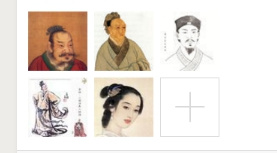
需要解决的问题
长按事件如何表示出来?
如何获取当前长按元素的下标?
如何删除元素?
解决办法
长按事件是用bindlongpress(不会跟点击事件bindtap冲突);
在wxml中添加索引index,然后在js中用currentTarget.dataset.index获取当前元素下标
通过splice方法删除splice(index,1),删除一个当前元素
具体实现
<view class="uploader__files">
   <block wx:for="{{images}}" wx:key="{{item.id}}" >
      <view class="uploader__file" bindlongpress="deleteImage" data-index="{{index}}">
        <image mode="aspectFill" class="uploader__img" src="{{item.path}}" />
      </view>
   </block>
</view>
在wxml中添加 bindlongpress="deleteImage" data-index="{{index}}" 来绑定事件并添加索引index
deleteImage: function (e) {
  var that = this;
  var images = that.data.images;
  var index = e.currentTarget.dataset.index;//获取当前长按图片下标
  wx.showModal({
   title: '提示',
   content: '确定要删除此图片吗?',
   success: function (res) {
    if (res.confirm) {
     console.log('点击确定了');
     images.splice(index, 1);
    } else if (res.cancel) {
      console.log('点击取消了');
      return false;
     }
    that.setData({
     images
    });
   }
  })
 }
删除部分的代码
注意currentTarget与target的区别
1. currentTarget:绑定的事件当前元素及其子元素都会触发
2. target: 绑定的事件 子元素不会被触发事件
最终效果展示
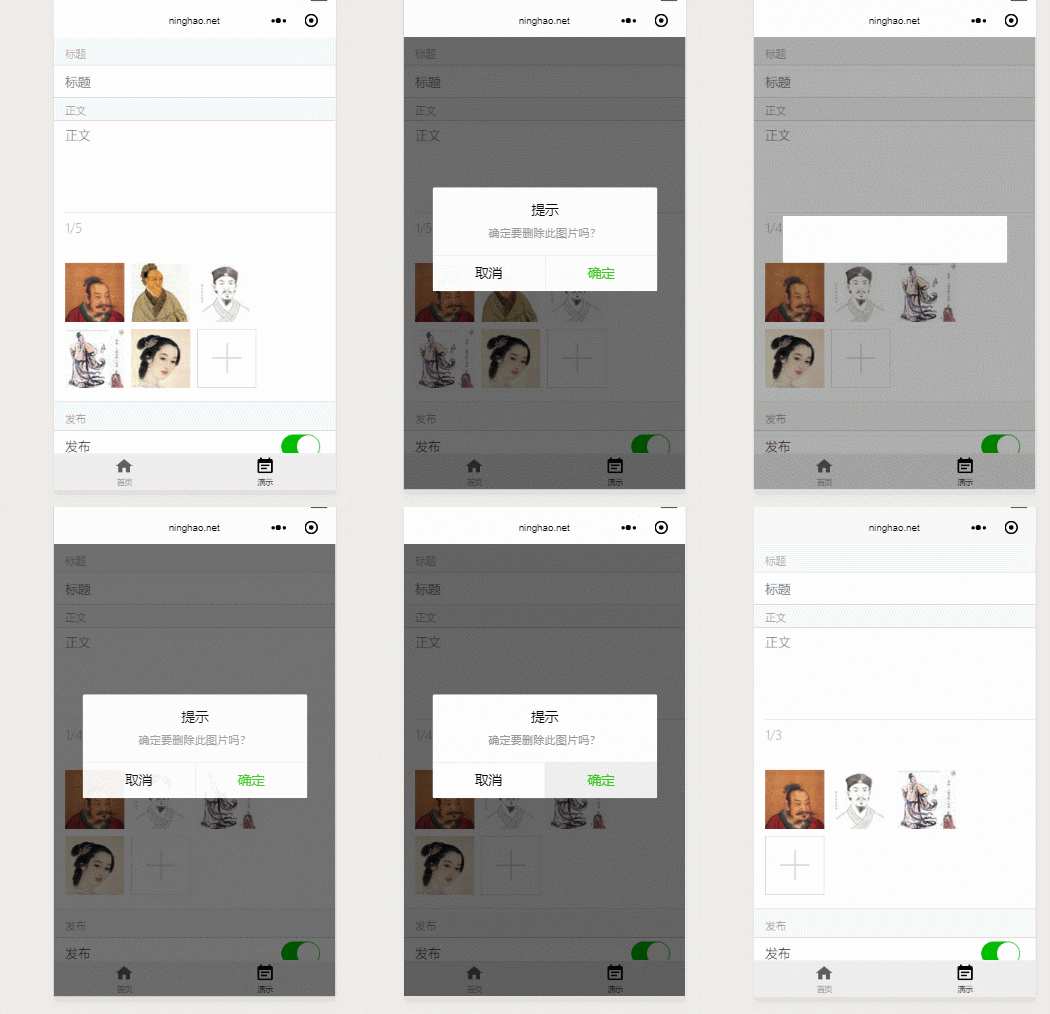
 网站
网站